Educational QR Codes
- Faith Kilfoyle
- Nov 10, 2023
- 1 min read

QR codes use augmented reality to create a digital experience with a real-life code. QR codes have been seen in restaurants as links to
digital menus
links to concert tickets
ways to share feedback at a given store
advertisements
cashless payments
The possibilities with QR codes are endless. From a teaching perspective, students can scan a QR code with their phone or laptop, and the code will take them to whatever assignment the teacher wants them to complete. QR codes have become very popular throughout the world of education, and teachers are using them as
digital hall passes
digital libraries
homework
digital scavenger hunts or escape rooms
games
and so much more!
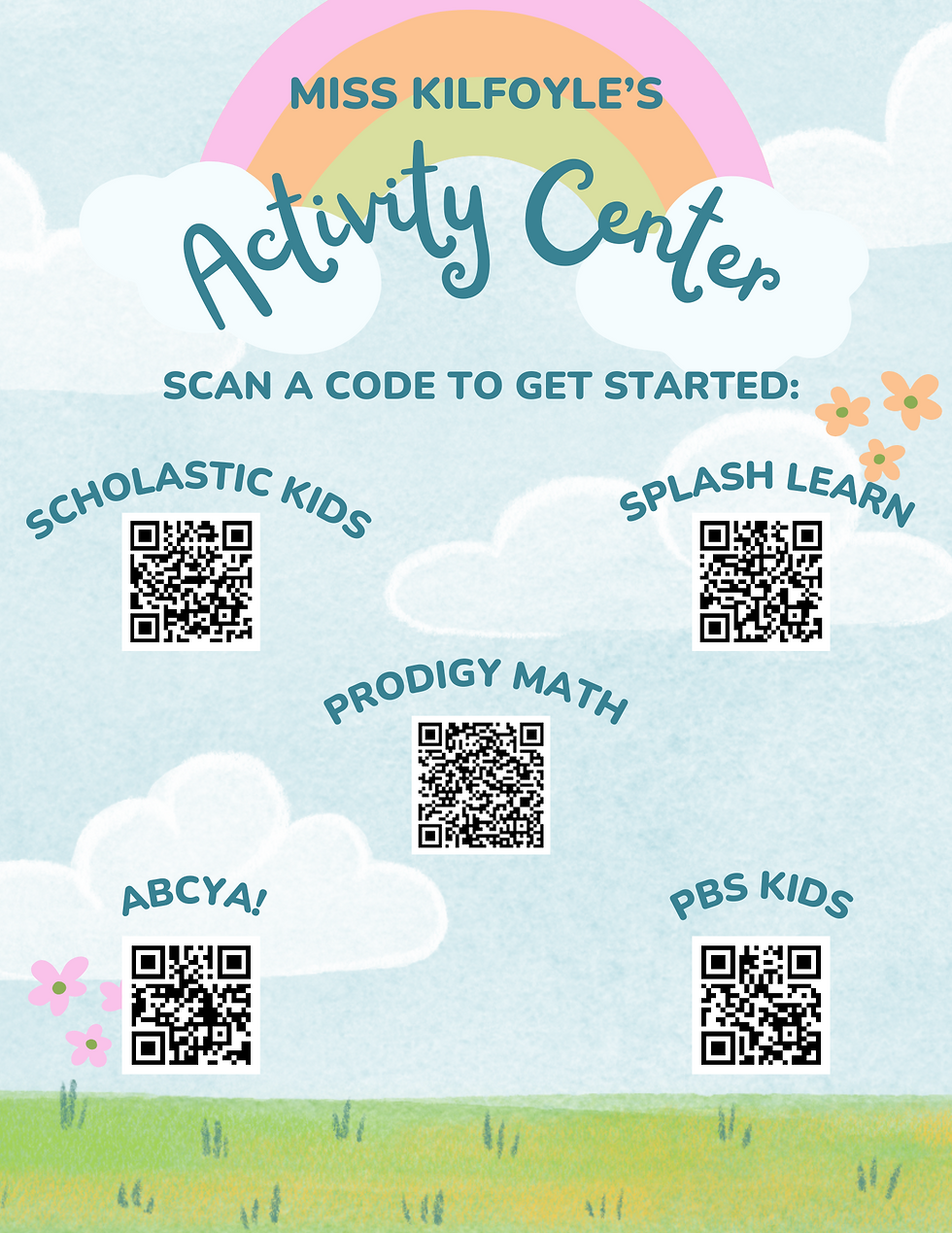
I created my first QR code project using Canva. Canva offers free design templates that make creating a QR code incredibly simple! All you have to do is insert a link into the QR code template, and boom! Below, you can see my first QR code project. I created a flyer that offers students something to work on if they have finished their work. This gives students the option and variety of what game or activity they want to work on. This relates to part 3 of the Danielson Framework by offering students great educational experiences during class.


Comments