Microsoft Professional Development
- Faith Kilfoyle
- Dec 13, 2023
- 1 min read

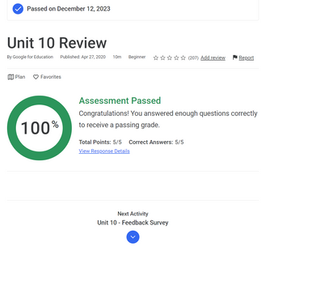
Today I completed a Microsoft training that discussed various techniques for engaging students in the classroom. Below are some of the facts and notes that I learned from Microsoft.
Using Google Slides can be a very practical form of student engagement. Slides is a part of the Google Workspace for Education Fundamentals and allows multiple people to collaborate and work on a slide deck simultaneously. Slides is very user-friendly and easy to use. Google Slides allows you to add links to websites or other webtools into the presentation itself.
Along with Google Slides, YouTube is another great form of student engagement. YouTube allows teachers to watch and share videos with their students. One cool aspect of YouTube are the channel and playlist filters. These filters can be applied to any YouTube search. This helps narrow in on specific videos. Google Classroom, Google Slides, Google Forms, and Google Sites all do a fantastic job at incorporating YouTube for educational benefit.
Google Drive is phenomenal for keeping all Google resources in one place. It allows teachers to collaborate, check for understanding, monitor progress, and provide feedback for students. It is vital for teachers to align learning goals with student outcomes when planning engaging learning experiences. Technology can help fuel collaboration in schools.
With this all being said, it is important to be aware of tech dangers, especially while using technology for educational purposes. The best response to cyberbullying is to document their interactions and DO NOT respond back. Student panels have been known to help raise awareness of cyber safety principles and strategies. Being safe online can be simplified into reporting, respecting, and protecting!




Comments